Your CEO Wants a Copilot. Who Is It For?
An in-app copilot, MCP, and a CLI can all be useful. They solve different problems for people who happen to be your customers.
Imagine the roadmap conversation. A competitor has launched a copilot, so now you need a copilot. Someone points out that you should probably have an MCP server too. Engineering mentions a CLI. By the end of the meeting, you have three interfaces to build and a customer whose main contribution has been not being there.
None of these suggestions is particularly unreasonable. A good copilot can save people time. MCP can make your product available inside the assistant they already use. A CLI can make a repetitive job scriptable. The trouble starts when we treat them as competing answers to the same question.
At Synthflow, we shipped both an in-app copilot and an MCP server. I initially had to think about whether we needed one or the other. The usage suggested we were serving two fairly different groups.
In one 30-day snapshot of workspaces using either surface, 71% used only the copilot, 23% used only MCP, and 6% used both. MCP users also made four times as many tool calls per workspace. That doesn't establish four times the value. An agent can be very busy achieving surprisingly little. But it was enough to make “which interface wins?” look like the wrong question.
Consider someone looking at a failed call in your product. They can see the transcript, the configuration, and a status they don't understand. They want help here, with this call. An in-app copilot can use that context and guide them through the next step. Asking them to open another application, connect your service, and explain what they were just looking at is quite an elaborate way to provide a help button.
Now consider someone already working in an assistant. They want to analyse calls, compare what happened, and use the findings in a report. Your dashboard is an extra stop. MCP gives their assistant a way to use your product's tools and data without requiring that detour.
Then there's the person who wants to run the same check on Monday, Wednesday, and every morning until somebody fixes the underlying problem. A CLI gives them commands they can inspect, script, and repeat. They may enjoy talking to an assistant. They probably don't want to renegotiate the task with it every morning.
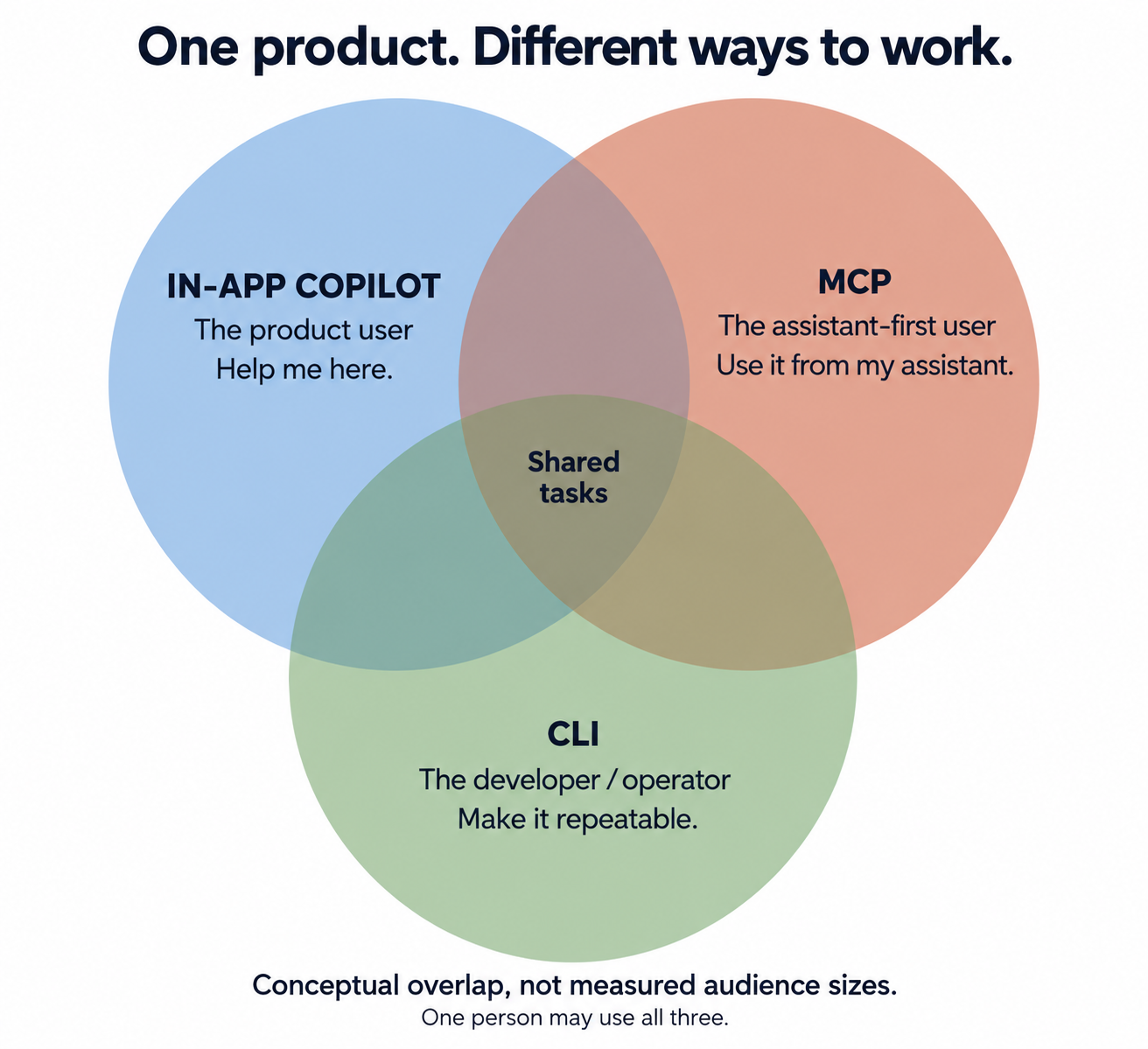
These aren't permanent personality types. A developer can use the copilot. A non-technical customer can use an MCP-backed connector without knowing what MCP stands for. The same person can investigate something in the app, ask their assistant to summarise it, and automate the follow-up later. The workflow is usually more useful than the job title.
The implementation can overlap too. Your copilot might call the same tools you expose through MCP. Sharing the plumbing is sensible. It doesn't mean the experience, context, or route into the product should be identical.
So before committing to all three, pick a real task. Where is the customer when it starts? What information do they already have? What would they otherwise have to copy, click, or repeat? Then choose the interface that removes that work.
You may eventually need all three. You still need an answer to what the first one is for.