Start Your Copilot on One Screen
Give it a specific job, read the traces, and use what goes wrong to decide where it goes next.
A chat box is a remarkably small interface for an enormous promise. Put one in the corner of your application and customers will ask it about whatever they happen to be doing. The fact that you built it to explain reports will not prevent someone from asking it to change their billing details.
This is understandable. You put an assistant in the product. They have questions about the product. They haven't read the internal document describing which questions count.
For customers who work inside your application, a copilot can be much more useful than sending them to a separate assistant. It can see the relevant context and help them act on it. But I'd start on one screen, with a few jobs I could describe precisely enough to test.
Take a call detail page. “Help customers understand their calls” sounds reasonable until you try to decide whether an answer is good. A more useful job would be: explain why this call failed, cite the available evidence, and suggest the next check. Now you can assemble cases with known outcomes, including cases where the evidence isn't sufficient. A fluent explanation unsupported by the transcript should fail, however reassuringly it is written.
You can reuse tools from your MCP server and add the capabilities this workflow needs. You also need to supply the page context. If a customer asks about “this call” while looking directly at it, the assistant should know which call they mean. Asking them to paste the ID is a surprisingly effective way to make an intelligent interface feel stupid.
Launching that narrow version starts the next part of the work: finding out where the tidy job description meets actual customers.
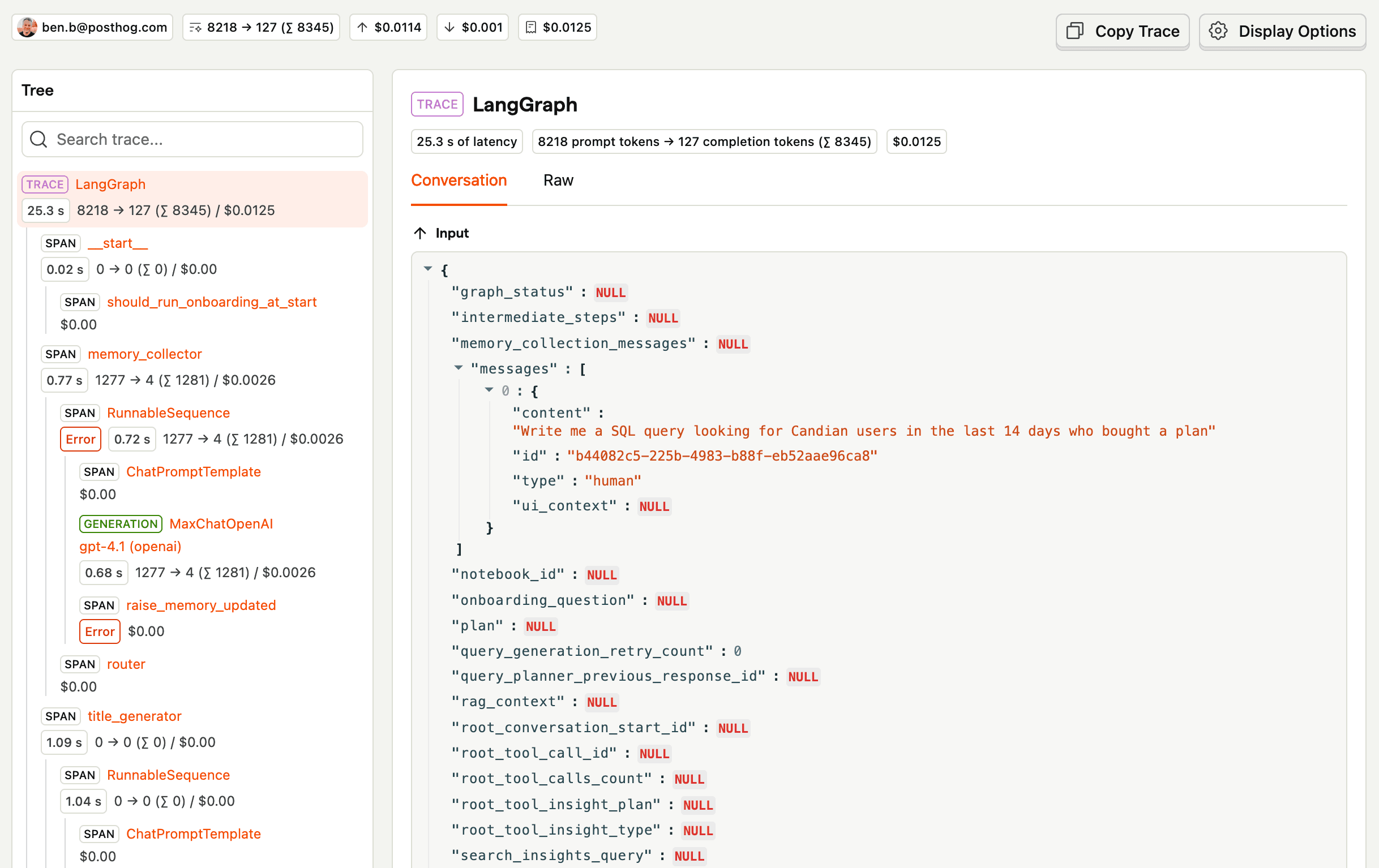
Instrument the conversation and tool calls so you can follow a request through the system. PostHog's AI observability traces, for example, let you inspect the operations behind a response. As a PM, I'd review a sample of traces and conversations every day. Look for customers correcting the assistant, rephrasing the same question, or giving up after an answer that appears successful in the logs.
Imagine someone asks why a call failed. The assistant summarises it. The customer asks again, more specifically. The assistant produces a longer summary. Every request succeeds, latency is acceptable, and you've now disappointed the customer twice with excellent system performance.
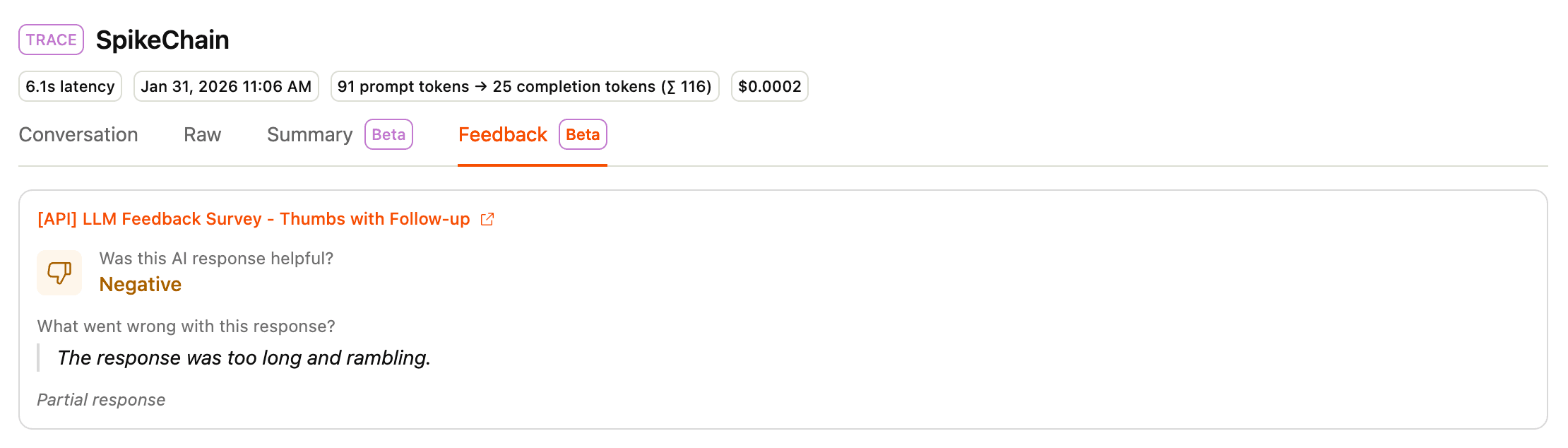
This is why I'd collect both response feedback and task feedback. Thumbs up or down can identify a bad answer. Asking whether the task was completed tells you something different. A customer might like the explanation and still be unable to fix the problem. They might also finish the job despite a response they found irritating.
Turn recurring failures into evals. If the assistant repeatedly confuses a call summary with a diagnosis, add cases that distinguish them. If it uses the wrong call after a page change, test that transition. Improve the tools, instructions, or context, then rerun those cases before declaring the problem fixed. Otherwise, you'll be rediscovering the same issue with different customers.
Once the first jobs work reliably, expand to other screens. Carry the relevant selection, filters, and page context with the customer, and add tests for the new expectations you create. Expanding the chat box is easy. Expanding what it can reliably help with takes the work.
Start with one screen where you can tell whether the customer got the job done. That's a much better reason to put the copilot on the next screen than having room in the corner.